#1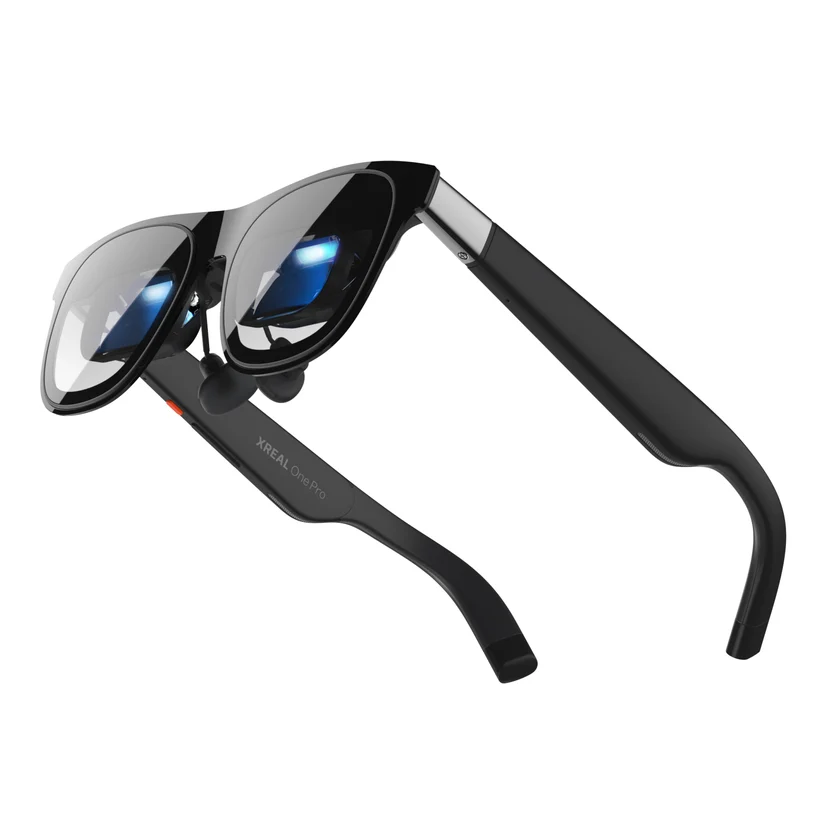
AR & Display GlassesReview →
XREAL One Pro
Resolution1920 × 1080
Refresh RateUp to 120 Hz
Field of View57°
Weight87 g
From $599
Finder Score: 9/10
Display-focused smart glasses can provide a large virtual screen without requiring a traditional monitor or television. They can be particularly interesting for portable gaming, handheld consoles and other devices with compatible video output.
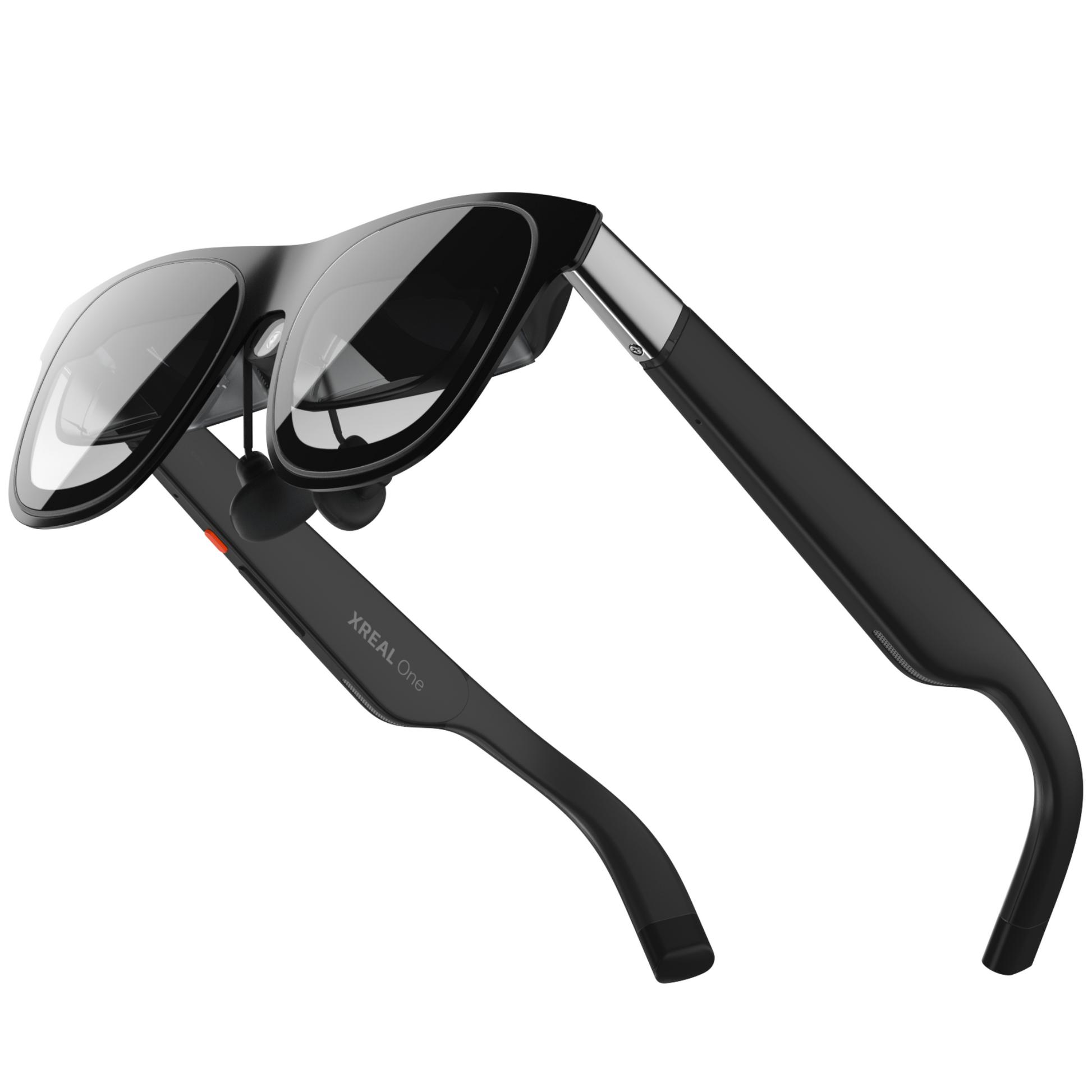
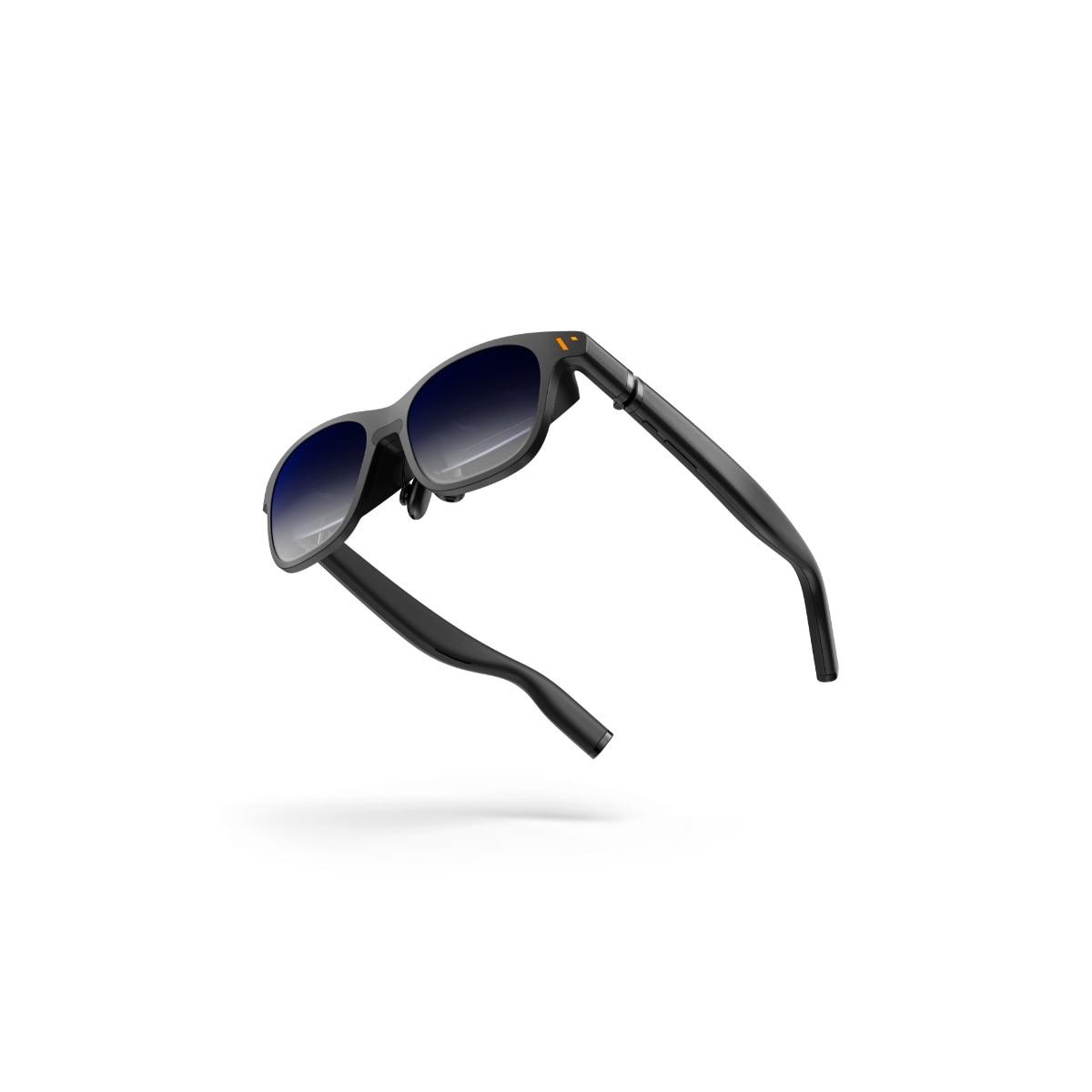
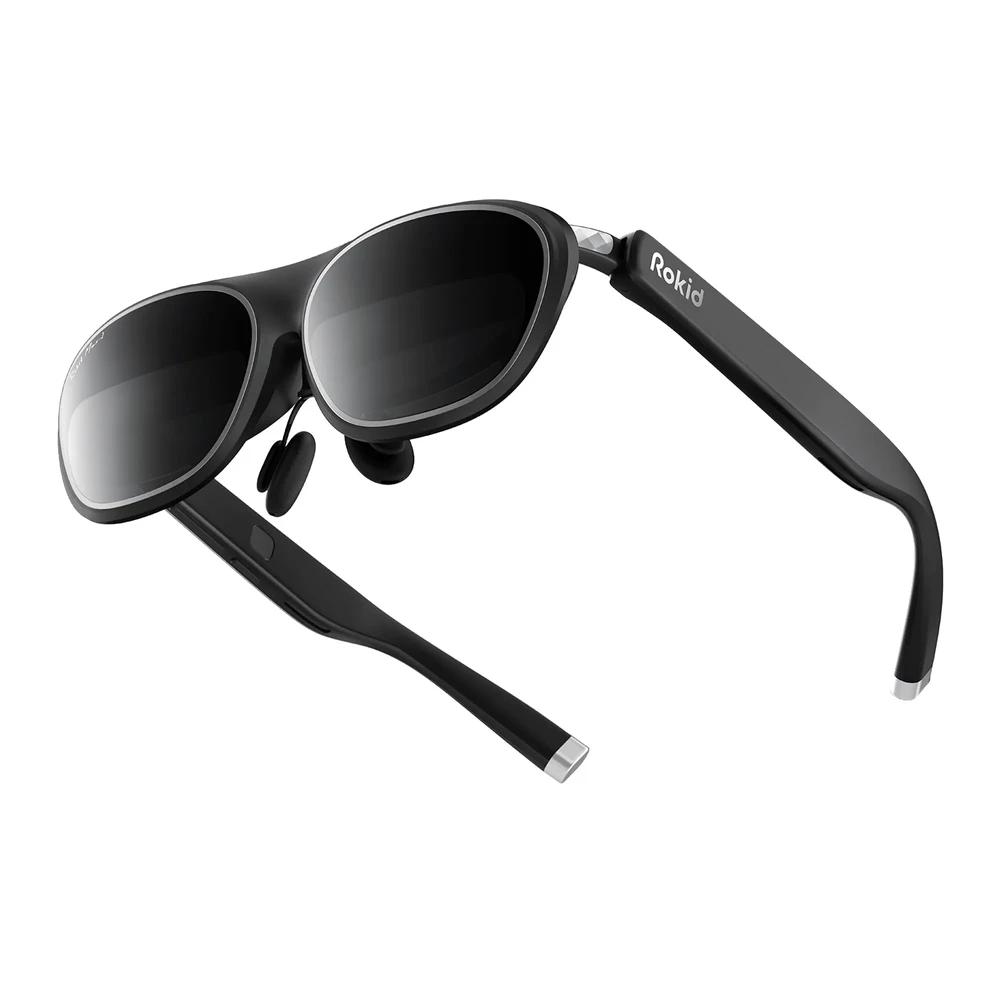
Gaming-focused smart glasses can create a large virtual display while keeping the physical hardware relatively compact. This can make them interesting for handheld gaming, travel and situations where you don't have access to a traditional monitor.
The glasses themselves generally act as the display, while the gaming device provides the game. Depending on the product and device, you may need a compatible USB-C connection, adapter or other accessory.
Display specifications and device compatibility can have a major effect on your gaming experience.
Higher display resolution can provide a sharper image and make game text and fine details easier to see.
A higher refresh rate can make movement appear smoother, particularly in games with fast motion.
Field of view affects the apparent size of the virtual screen and how much of the display you can see at once.
Gaming sessions can last a long time, so weight and frame comfort are important considerations.
Check whether your gaming device supports the connection required by the glasses and whether additional hardware is necessary.
Built-in audio can simplify your gaming setup, although dedicated headphones may still be preferred by some players.
Compatibility varies by product. Before buying, check the manufacturer's requirements for your specific gaming hardware.
Display glasses can be particularly interesting for portable gaming devices when they support the required video connection.
Compatible display glasses can provide a portable virtual screen for a gaming laptop or desktop setup.
Consoles may require adapters or additional accessories, depending on the connection supported by the glasses.
Display glasses and VR headsets provide different experiences. Display glasses can be much more compact and are often designed to act as a large virtual screen connected to another device.
VR headsets are designed around immersive virtual environments and typically include additional tracking and interaction hardware. If your main goal is simply having a large portable gaming screen, display glasses may offer a different approach.
Compare More AR Glasses →Display-focused smart glasses can be useful for gaming because they can provide a large virtual screen in a compact form factor. The experience depends on the display specifications, connection and gaming device.
Some display glasses can work with compatible handheld gaming devices. Check the specific glasses and handheld's connection requirements before buying.
Some display glasses can connect to computers and provide a virtual screen. Compatibility depends on the connection and hardware supported by the glasses.
Battery requirements vary. Some display glasses draw power from the connected device through their cable rather than using a built-in battery.
They serve different purposes. A monitor provides a physical display, while display glasses can provide a large virtual screen in a portable form factor. The better fit depends on where and how you play.
Compare your gaming needs, budget and preferred features with the products in our database.
Take the Smart Glasses Finder Quiz →